
How to Search FDA’s Drugs@FDA Database for Official Drug Information
Drugs@FDA Search Strategy Selector
Select the specific information you are looking for to get a tailored recommendation on how to use the FDA database effectively.
Recommended Approach
Drugs@FDA
Best for comprehensive regulatory history.
Orange Book
Check for therapeutic equivalence.
⚠️ Critical Limitation Check
Based on your inputs, here is what you need to watch out for.
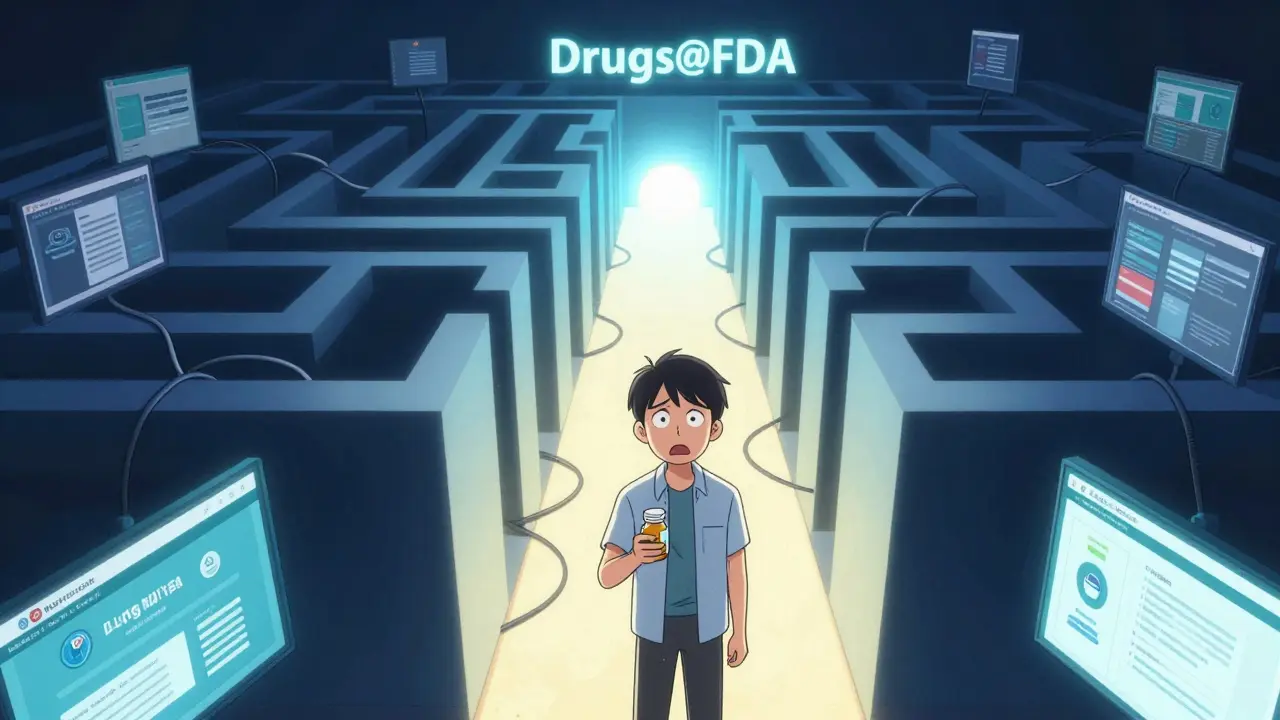
Finding accurate, official information about a medication can feel like navigating a maze of government websites. You might need to verify when a drug was approved, check its original label, or see if it’s still on the market. The U.S. Food and Drug Administration (FDA) provides a powerful tool for this: Drugs@FDA, an online database containing comprehensive information about FDA-approved drug products for human use. This resource is free, requires no login, and holds records dating back to 1939. However, knowing how to use it effectively makes all the difference between finding what you need in seconds or getting frustrated by empty results.
What Is Drugs@FDA and Why Does It Matter?
Drugs@FDA is not just another list of medicines. It is the primary public-facing repository for the regulatory history of drugs approved in the United States. If you are a healthcare professional, a researcher, or simply a patient wanting to understand your medication’s background, this database is your first stop. It hosts approval letters, review documents from FDA medical officers, patient medication guides, and full prescribing information (labels).
The database covers approximately 20,000 approved human drug products. Crucially, the depth of information varies by approval date. For drugs approved since 1998, you get complete documentation packages. For older drugs, the data may be limited to basic approval status. This distinction is vital-if you are researching a vintage medication, you might hit a wall with detailed reviews, but you will still confirm its legal status.
Getting Started: The Main Search Box
The easiest way to access the database is through the homepage at fda.gov/drugsatfda. There is a prominent search box right at the top. Here is how to use it correctly:
- Drug Name: Enter either the brand name (e.g., Prilosec) or the generic established name (e.g., omeprazole). The system recognizes both.
- Active Ingredient: If you don’t know the brand, type the chemical component. Note that searching by ingredient here usually returns all products containing that ingredient, unlike the A-Z index.
- Application Number: If you have an NDA (New Drug Application), ANDA (Abbreviated New Drug Application), or BLA (Biologics License Application) number, enter it directly. This is the most precise method and eliminates ambiguity.
When you submit a search, the results page lists matching products. Click on a specific product to open its dedicated profile. From there, you can navigate tabs for "Product Information," "Review Documents," and "Labeling." This interface gives you instant access to the exact documents submitted during the approval process.
Avoiding Pitfalls: The A-Z Index Limitations
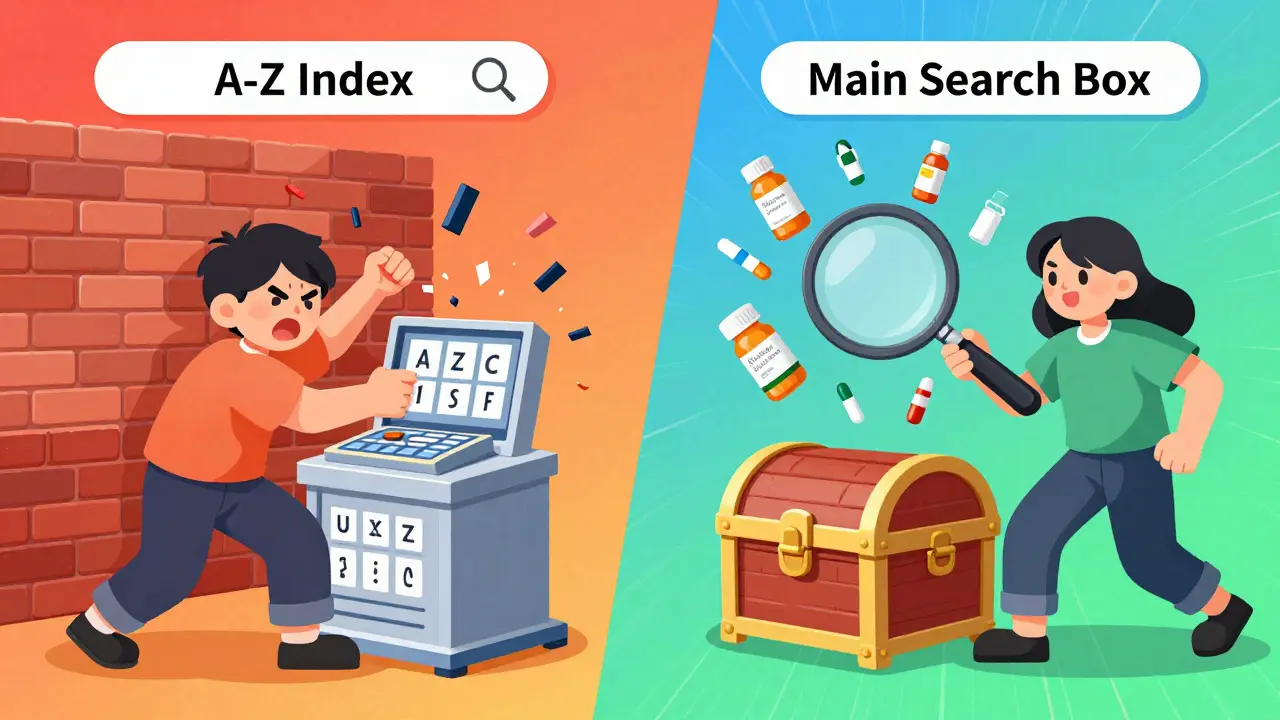
Many users assume the A-Z Index works exactly like the main search box. It does not. This is where most people get stuck. The A-Z "Drug Name" search is strict and literal.
For example, if you search for "lisinopril" in the A-Z index, you will only see products where "lisinopril" is the exact proprietary name listed in that specific format. You will not see brand names like Prinivil or Zestril, nor will you see combination drugs like Zestoretic (which contains lisinopril and hydrochlorothiazide). The FDA’s own training materials warn against relying on the A-Z index for broad searches. Use it only when you know the exact spelling of the brand name and want a quick lookup. For anything else, stick to the main search box.
Understanding What You Find
Once you land on a drug’s profile, several key documents appear. Knowing which one serves your purpose saves time:
- Approval Action Package: This includes the final decision letter from the FDA. It tells you when the drug was approved and any conditions attached to that approval.
- Clinical Review: Written by FDA medical reviewers, this document summarizes the clinical trials. It highlights efficacy, safety concerns, and why the agency decided the benefits outweighed the risks.
- Labeling: The official Prescribing Information (PI) or Package Insert. This is the legal text that doctors refer to. It contains dosage instructions, contraindications, and adverse reactions.
- Patient Medication Guides: Plain-language summaries intended for patients. These are crucial for understanding how to take the drug safely outside of a clinical setting.
If you are looking for historical context, the Clinical Review is often the most insightful. It reveals the internal debate and scientific evaluation that led to approval. For current usage guidelines, always rely on the Labeling section.
Drugs@FDA vs. Other FDA Resources
Drugs@FDA is powerful, but it is not the only game in town. Depending on your goal, other databases might serve you better. Understanding these distinctions prevents wasted effort.
| Database | Primary Focus | Best Used For | Key Limitation |
|---|---|---|---|
| Drugs@FDA | Regulatory history & approval docs | Checking approval dates, reading clinical reviews, accessing full labels | Limited detail for pre-1998 drugs; no patent info |
| FDALabel | Full-text label search | Searching specific sections like "Boxed Warnings" or "Adverse Reactions" across thousands of labels | No approval history or clinical review documents |
| Orange Book | Generic equivalence & patents | Finding therapeutic equivalents, checking patent expiration, exclusivity periods | Does not include biological products or detailed clinical reviews |
| Purple Book | Biological products | Information on FDA-licensed biologics, including biosimilars | Excludes small-molecule drugs |
If you need to find every drug that mentions a specific side effect in its warnings, FDALabel is superior because it allows section-specific full-text searches. If you are a pharmacist trying to determine if a generic is substitutable for a brand, the Orange Book is the definitive source. Drugs@FDA shines when you need the full story of a single drug’s journey to market.
Pro Tips for Efficient Searching
Experience teaches a few shortcuts that make using Drugs@FDA much smoother. First, always cross-reference. If you find a drug in Drugs@FDA, check the Orange Book to see its patent status. This gives you a complete picture of its commercial and regulatory landscape.
Second, be mindful of combination products. When searching for a multi-ingredient drug, try searching by each active ingredient separately in the main search box. The A-Z index will fail you here, as explained earlier. The main search engine is smarter and aggregates results based on content rather than exact title matches.
Third, remember that the database updates daily. New approvals appear almost immediately after the FDA issues them. If you are tracking a newly launched medication, check back regularly. The "Recent Approvals" section on the homepage also provides a quick snapshot of what has been added in the last few weeks.
Common Questions About Drugs@FDA
Is Drugs@FDA free to use?
Yes, Drugs@FDA is completely free. There are no registration requirements, fees, or subscriptions needed. It is a public resource designed to increase transparency in the drug approval process.
Why can't I find detailed documents for older drugs?
The FDA began digitizing and expanding its database content significantly around 1998. While Drugs@FDA lists approvals dating back to 1939, detailed electronic documents like clinical reviews and full labeling packages are primarily available for products approved from 1998 onward. Older records may only show basic approval status.
Can I use Drugs@FDA to find information about animal drugs?
No. Drugs@FDA is strictly for human use. For veterinary medications, you must use the separate Animal Drugs@FDA database, which follows a similar structure but covers different regulatory categories.
What is the difference between an NDA and an ANDA?
An NDA (New Drug Application) is submitted for new brand-name drugs that require extensive clinical trial data to prove safety and efficacy. An ANDA (Abbreviated New Drug Application) is for generic drugs, which do not need to repeat large clinical trials but must demonstrate bioequivalence to the existing brand-name drug.
How often is the Drugs@FDA database updated?
The database is updated daily. New approvals, label changes, and safety communications are added promptly to ensure users have access to the most current regulatory information.
Should I use the A-Z index or the main search box?
Use the main search box for almost all queries. It is more robust and handles brand names, generic names, and active ingredients effectively. Only use the A-Z index if you are doing a strict alphabetical browse and understand its limitations regarding brand names and combination products.
Where can I find patent information for a drug?
Drugs@FDA does not provide detailed patent data. For patent expiration dates, exclusivity periods, and therapeutic equivalence evaluations, you should use the FDA's Approved Drug Products with Therapeutic Equivalence Evaluations, commonly known as the Orange Book.
andrew iregbayen
May 8, 2026 AT 18:10I actually use this database way more than I should. It's kind of my guilty pleasure to dig into the clinical reviews for drugs I've never even heard of. The part about the A-Z index being a trap is so true though. I wasted like twenty minutes last week trying to find a combo drug and wondering why the FDA was hiding it from me. Turns out I just needed to use the main search box like a normal person. Thanks for clarifying that distinction.
Derick Garcia
May 9, 2026 AT 08:04It is absolutely absurd that we are expected to navigate these bureaucratic labyrinths without any semblance of user-friendly design. The government provides this data, yes, but they do so with the enthusiasm of a tax auditor. To suggest that one can simply 'know how to use it effectively' is to ignore the inherent hostility of the interface itself. The average citizen is not a regulatory expert, yet here we are, forced to decipher NDA versus ANDA distinctions while trying to understand our own mortality. It is a testament to our collective patience that we bother at all.
Sarah Grenberg
May 11, 2026 AT 04:56This is such a fantastic resource! I really appreciate how you broke down the different sections. It feels empowering to know that all this information is publicly available and free. We often feel so helpless when it comes to understanding our medications, but tools like Drugs@FDA give us a bit more control over our health narratives. Keep sharing these kinds of practical guides!
Laura ciotoli
May 11, 2026 AT 10:12You need to stop assuming everyone knows what an NDA is. This is basic information that should be common sense if you actually read the labels properly. Most people are too lazy to look up their own prescriptions and then come here complaining about confusion. If you cannot figure out the difference between a brand name and a generic ingredient, you have bigger problems than finding a website. Read the manual. Use the search box correctly. Do not expect hand-holding.
Jake Williams
May 11, 2026 AT 18:03Oh great, another guide on how to use American government websites. Because nothing says 'freedom' like struggling through a clunky database built in the nineties. But sure, let's pretend this is some revolutionary tool. It's barely functional half the time anyway. Typical US bureaucracy at its finest-pretending to be transparent while making everything as difficult as possible. Enjoy your maze.
Kevin S
May 11, 2026 AT 23:17This is super helpful! 🙌 I always get confused by all the different FDA sites. Knowing which one to use for patents vs approvals saves so much time. Thanks for breaking it down! 😊
Nilesh Mandani
May 13, 2026 AT 14:54The philosophy behind open data is noble, but the execution often leaves much to be desired. Still, having access to the clinical reviews allows for a deeper understanding of the risk-benefit analysis that underpins modern medicine. It transforms the patient from a passive recipient to an informed participant. That shift in perspective is valuable, regardless of the UI quirks.
Amelia Vaughan
May 15, 2026 AT 06:25Just use the main search box. Stop overcomplicating it. If you can't figure that out, you shouldn't be researching meds online anyway. Go see a doctor.
Guy Birtwhistle
May 16, 2026 AT 10:45Sarcasm aside, the point about the A-Z index is valid. It’s frustratingly literal. I’ve had colleagues waste hours chasing dead ends because they treated it like Google. Treat it like a library card catalog from 1995 and you’ll be fine. Mostly.
Madison Jones
May 17, 2026 AT 01:50This is incredibly useful!; I love how detailed the explanation is.; It makes me feel much more confident about checking my own medication history.; Thank you for sharing this!;
Brian Lee
May 18, 2026 AT 16:46i think this is really good info. i usually just google stuff but this seems more reliable. thanks for posting it. hope it helps people.
Kenny Pines
May 19, 2026 AT 18:04Another day, another government database tutorial. 🙄 But seriously, the tip about cross-referencing with the Orange Book is gold. Patents expire, generics arrive, and suddenly your expensive drug has a cheaper cousin. Good stuff.
Claire A
May 20, 2026 AT 16:17I'm so glad this exists! It gives me peace of mind knowing I can verify where my meds come from. The world could use more transparency like this. You're doing great work by highlighting these resources!