
Teleaudiology Explained: How Remote Hearing Care and Device Adjustments Work in 2026
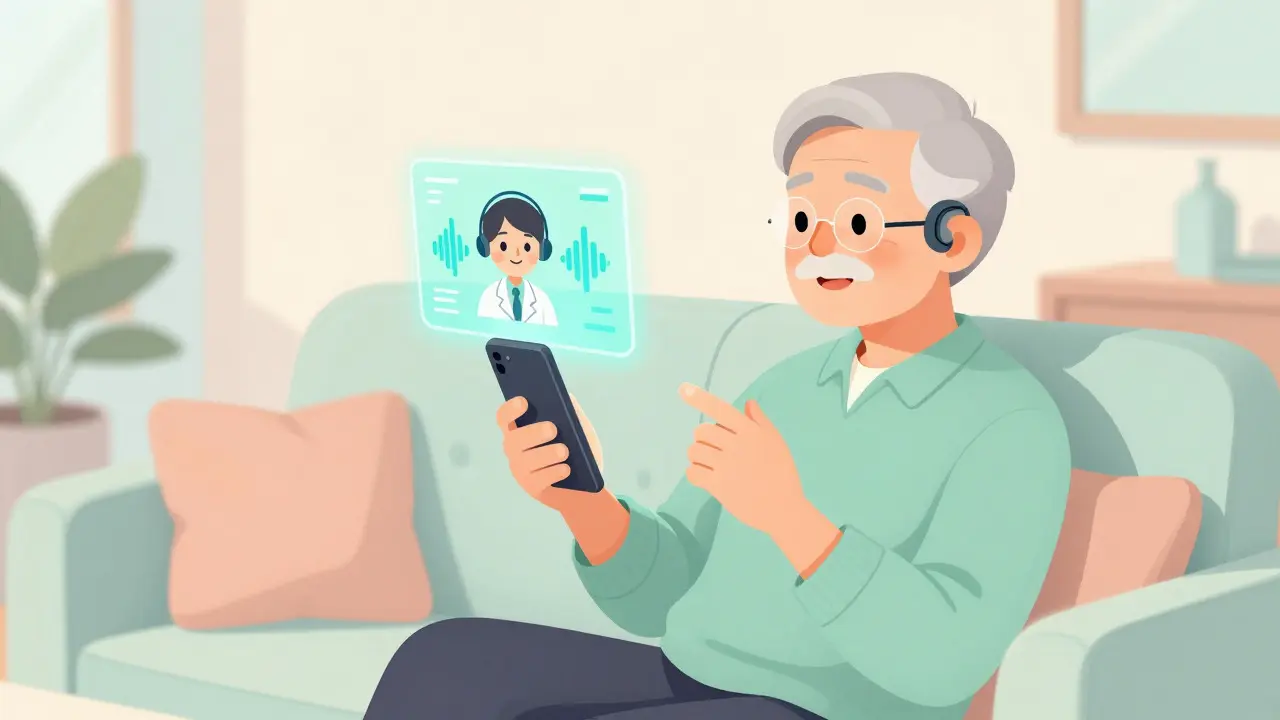
Imagine sitting on your couch, watching TV, when your hearing aids suddenly start whistling. In the past, this meant booking an appointment, driving across town, waiting in a clinic lobby, and hoping the problem could be fixed quickly. Today, you can pick up your phone, tap an app, and have an audiologist adjust the settings remotely while you’re still in the same chair. This is the reality of teleaudiology, the delivery of audiology services via telecommunication technologies that enables remote diagnosis, treatment, and management of hearing conditions without requiring in-person clinic visits.
For millions of people, especially those living in rural areas or dealing with mobility issues, this shift isn’t just convenient-it’s life-changing. But how does it actually work? Is it as accurate as sitting in a soundproof booth at a clinic? And what happens if your device breaks down completely? Let’s break down the facts about remote hearing care so you can decide if it’s right for you.
What Exactly Is Teleaudiology?
At its core, teleaudiology is simply audiology delivered through digital channels. It uses video calls, secure messaging, and specialized software to connect patients with hearing care professionals. The field has exploded in recent years. Back in 2019, only about 12% of U.S. audiology practices offered these services. By 2023, that number jumped to 63%. This surge wasn’t accidental; it was driven by necessity during the pandemic and sustained by genuine patient satisfaction.
There are two main ways this works: asynchronous and synchronous care. Asynchronous care is like sending an email. You might complete a hearing test online using a mobile app, and the results go straight to your audiologist. They review them and send back recommendations or adjusted settings later. No real-time interaction is needed.
Synchronous care is more like a Zoom call. You video chat with your audiologist in real time. During this session, they can talk you through tests, watch your reactions, and even control your hearing aids directly from their computer screen. Some advanced setups, like the Clinic-in-a-Box® system, allow the audiologist to operate specialized testing equipment located at your home or a local kiosk. This method is particularly useful for fine-tuning devices because the professional can hear exactly what you hear and make immediate changes.
How Remote Hearing Aid Adjustments Work
The magic behind remote adjustments lies in Bluetooth connectivity and proprietary apps developed by major manufacturers like Phonak, a leading manufacturer of hearing solutions known for its myPhonak app which allows users to manage their hearing aids remotely, ReSound, GN ReSound, Oticon, and Starkey. These companies built infrastructure that lets audiologists access the programming interface of your hearing aids over the internet.
- Setup: You download the manufacturer’s app (such as myPhonak or ReSound Smart) on your smartphone or tablet. You pair your hearing aids with the device via Bluetooth.
- Connection: When you schedule a remote visit, you share a secure link or code with your audiologist. This grants them temporary permission to view your device data and adjust settings.
- Adjustment: During the video call, the audiologist asks you to describe specific listening challenges-like difficulty hearing voices in noisy restaurants. They then tweak the amplification, noise reduction, or directional microphones in real-time.
- Feedback Loop: You tell them if it sounds better. If not, they try again. Because you are in your actual environment (your living room, kitchen, or backyard), the adjustments are often more effective than those made in a sterile clinical booth.
This process solves a major pain point. Traditional clinics can’t replicate the acoustic chaos of a busy family gathering or a windy street. With teleaudiology, the audiologist optimizes your device for the world you actually live in. Studies show this approach improves patient outcomes by 31% in challenging environments compared to standard in-clinic tuning.
Is Remote Care as Accurate as In-Person Visits?
This is the biggest question on everyone’s mind. The short answer is: yes, for most routine tasks, but no for everything.
Clinical trials indicate that remote hearing tests achieve 92-95% accuracy compared to traditional in-clinic audiometry, provided you are in a quiet, controlled home environment. However, if your house is noisy-kids playing, dogs barking, traffic outside-that accuracy drops to 78-85%. Ambient noise remains the enemy of precise diagnostics.
More importantly, there are physical limitations. An audiologist cannot look inside your ear canal via a webcam. They can’t remove earwax (cerumen) or check for infections. Dr. Charles Berlin, a prominent expert in the field, notes that this inability creates a 12-15% risk of missing medically significant conditions that would be caught during an in-person otoscopy. If you have sudden hearing loss, pain, or drainage from the ear, you need to see a doctor in person, not virtually.
| Feature | Teleaudiology | In-Person Visit |
|---|---|---|
| Convenience | High (no travel) | Low (requires travel/waiting) |
| Cost per Visit | $120-$150 average | $140-$180 average |
| Diagnostic Accuracy | 92-95% (in quiet homes) | ~100% (controlled environment) |
| Physical Exam | Not possible | Yes (otoscopy, wax removal) |
| Real-World Tuning | Excellent (adjusts to your home) | Limited (simulated environments) |
| Patient Satisfaction | 4.6/5.0 | 4.2/5.0 |
Because of these differences, many experts recommend a hybrid model. Use teleaudiology for routine follow-ups, troubleshooting, and minor tweaks. Reserve in-person visits for annual comprehensive exams, initial fittings, or any medical concerns.
Who Benefits Most From Remote Hearing Care?
While anyone with modern hearing aids can use teleaudiology, certain groups benefit disproportionately.
- Rural Residents: For patients living more than 50 miles from an audiology clinic, travel is a massive barrier. One study found that teleaudiology reduced average patient travel time from 2.3 hours to near zero, saving patients approximately $87 per appointment in gas and wear-and-tear costs.
- Seniors with Mobility Issues: Getting out of the house can be physically difficult or dangerous for older adults. Eliminating the need to drive to appointments reduces fall risks and stress. On social media forums, users frequently cite “saving 3-hour round trips” as a life-changing benefit, especially after surgeries or injuries.
- Busy Professionals: Taking half a day off work for a hearing check is inconvenient. A 15-minute remote adjustment fits easily into a lunch break.
- Parents with Young Children: Trying to get a toddler into a car seat, then into a dark sound booth, is a nightmare. Doing a quick check from the sofa is far less stressful for everyone.
Data supports this enthusiasm. Among users aged 65 and older, 82% successfully navigate tele-audiology systems after minimal guidance. The learning curve is steeper than using a smartphone camera, but not insurmountable. Most providers offer a one-time tutorial session to help patients get comfortable with the apps and Bluetooth pairing.
Common Challenges and How to Solve Them
It’s not all smooth sailing. Technology fails, internet connections drop, and humans make mistakes. Here are the most common hurdles patients face and practical ways to overcome them.
1. Poor Internet Connectivity
Video calls require stable bandwidth. If your Wi-Fi is spotty, the audio quality will suffer, making it hard for the audiologist to gauge your hearing accurately. Solution: Switch to cellular data (4G/5G) on your phone if your home Wi-Fi is weak. Ensure you have at least 5 Mbps upload/download speed. Sit closer to your router if using Wi-Fi.
2. Bluetooth Pairing Issues
About 33% of initial remote sessions involve some struggle with connecting the hearing aids to the smartphone. Solution: Restart both your hearing aids and your phone before the appointment. Make sure your hearing aid firmware is updated. Keep the devices close together during pairing. If problems persist, ask your provider to walk you through a factory reset of the connection.
3. Background Noise
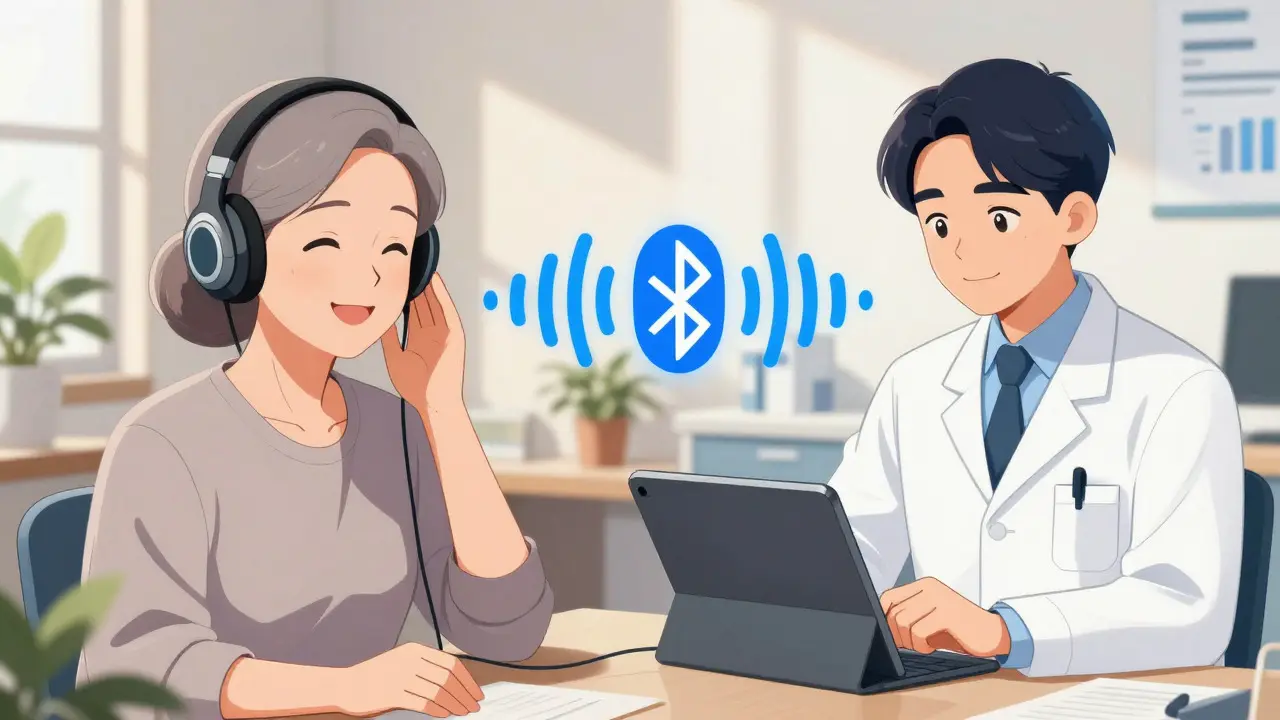
As mentioned, noise ruins test accuracy. Solution: Schedule your appointment for a quiet time of day. Close windows and doors. Turn off TVs, fans, and air conditioners. Use wired headphones with a microphone if available, as they isolate your voice and block ambient noise better than phone speakers.
4. Technical Illiteracy
Some seniors find the apps confusing. Solution: Don’t do it alone. Have a family member or friend sit with you for the first few sessions. Many manufacturers offer 24/7 technical support with average response times under 10 minutes. Independent clinics may take longer (around 2.3 hours), so plan accordingly.

The Future of Hearing Health: AI and OTC Devices
We are standing on the brink of another shift. The integration of Artificial Intelligence (AI) into teleaudiology is accelerating. New features, like Widex’s “Moment Adjust,” use AI to automatically detect listening environments and suggest adjustments during remote sessions. Analysts predict that by 2027, AI will automate 30-40% of routine adjustments that currently require human intervention.
Furthermore, the market for Over-the-Counter (OTC) hearing aids is expanding. The FDA’s 2024 guidance updates have opened the door for tele-audiology services to support these consumer-grade devices. This means millions of new users who don’t need prescription-level care can still access professional remote support, potentially lowering costs and increasing accessibility even further.
However, regulatory frameworks remain fragmented. In the U.S., licensure rules vary by state, with 28 states restricting cross-state practice as of mid-2024. Medicare reimbursement for tele-audiology is also limited to specific states. Patients should check their insurance coverage and local regulations before committing to a remote-only provider.
Getting Started: A Step-by-Step Guide
If you want to try teleaudiology, here is how to prepare:
- Check Compatibility: Confirm with your audiologist that your hearing aids support remote programming. Most modern Bluetooth-enabled models from major brands do.
- Download the App: Install the specific app recommended by your provider (e.g., myPhonak, Oticon Connect, etc.). Create an account and log in.
- Test Your Tech: Before your scheduled appointment, ensure your phone’s Bluetooth is on and your hearing aids are charged. Test your video calling software (Zoom, Teams, or the provider’s portal).
- Prepare Your Space: Find a quiet room with good lighting. Have your hearing aids’ manual nearby just in case.
- Schedule the Visit: Book a slot that allows for uninterrupted time. Aim for 15-30 minutes for simple adjustments, or longer for comprehensive reviews.
Remember, teleaudiology is a tool, not a replacement for all care. It excels at convenience and maintenance but falls short on medical diagnosis. Use it wisely, keep your in-person annual checkups, and enjoy the freedom of managing your hearing health from wherever you are.
Does insurance cover teleaudiology visits?
Coverage varies significantly. In the U.S., Medicare covers tele-audiology services in 18 states, but private insurance policies differ widely. Many major hearing aid manufacturers include remote support in their warranty packages or subscription plans (often around $29.99/month). Always check with your provider and insurer before scheduling to avoid surprise bills.
Can I get a new hearing aid fitting remotely?
Generally, no. Initial fittings usually require an in-person visit to ensure proper physical fit, seal, and comfort. Audiologists need to examine your ear canal and verify the device sits correctly. However, some providers offer hybrid models where the initial exam is in-person, followed by remote fine-tuning.
What if my hearing aid stops working during a remote session?
If the device loses connection entirely, remote adjustment becomes impossible. The audiologist will likely guide you through basic troubleshooting steps like restarting the device or checking the battery. If the issue persists, you may need to visit a local retailer or clinic for physical repair or replacement.
Is teleaudiology secure and private?
Yes, reputable platforms use HIPAA-compliant encryption for video calls and data transmission. Your health information is protected similarly to in-person records. Ensure you are using official apps from certified providers rather than unofficial third-party tools.
Do I need special equipment for teleaudiology?
Mostly, you just need a smartphone, tablet, or computer with a camera and microphone, plus a stable internet connection. Some advanced services may require specific hardware kits sent to your home, but standard remote adjustments work with consumer electronics you likely already own.